First ask whether the transfer is permitted
If an employer, client or virtual-desktop provider has disabled clipboard or file redirection, that control may represent an intentional security policy. A transfer tool should not be used to bypass rules governing confidential data. Confirm that you are authorized to move the information before choosing a technical method.
Once the transfer is permitted, think about the exposure created by the method. Email may leave long-lived copies in two mailboxes. A public link may be forwarded. A USB drive can be lost. A cloud account signed into a borrowed computer may remain accessible after you leave.
Choose the method by context
Your own devices on a trusted network
Local network sharing or an operating-system transfer feature can be fast and avoids uploading to a third-party service. It works best when both devices are yours, discovery is controlled and the network is not public.
A virtual machine or remote desktop
Use the platform’s approved drive mapping, clipboard or managed transfer channel when available. If those features are unavailable but transferring the file is allowed, a short-lived authenticated web workspace can be more controlled than signing a personal email or cloud-storage account into the remote environment.
A borrowed computer
A guest session that does not require your full account can reduce credential exposure. The session should expire, limit who can join and avoid leaving a permanent public link. Use a private browsing window only as an additional cleanup measure, not as a guarantee that the computer is trustworthy.
A phone and desktop
QR-assisted sessions can reduce typing, but the QR code is still an access credential. Do not display it where an unintended person can scan it. Confirm the receiving device before sending sensitive content.
Convenience does not make an untrusted device safe
A transfer service can protect data in transit and limit server retention, but it cannot stop malware, screen capture or browser extensions on a compromised endpoint. Avoid opening highly sensitive documents on devices you do not control.
Properties of a safer transfer session
- HTTPS in transit. The browser should show a valid certificate for the expected domain.
- Authentication or an unguessable invitation. The receiving session must not be discoverable from a simple sequence.
- Short expiry. Access should end after the transfer window rather than remain available indefinitely.
- One-time or single-device binding when appropriate. A guest link can become invalid after the intended browser claims it.
- Clear server retention. The service should describe whether data is stored, for how long and how deletion occurs.
- Limits and validation. File size, type and request rate controls reduce accidental overload and some forms of abuse.
- Visible device context. Users should be able to distinguish their own sessions and revoke access they no longer need.
Text and files have different cleanup needs
Copied text can remain in a browser field, clipboard history, password manager or operating-system clipboard after the session closes. Replace sensitive clipboard content with harmless text when finished, and clear clipboard history where available.
Downloaded files may remain in the Downloads folder, recent-file history, browser download list, thumbnail cache or recycle bin. On a borrowed device, confirm removal from the actual storage location. Remember that deleting a file does not guarantee forensic erasure on every system.
A practical transfer routine
- Confirm the transfer is allowed and identify the minimum content required.
- Choose the approved channel with the shortest reasonable retention.
- Verify the domain, certificate and receiving device.
- Send one test item if the destination is uncertain.
- Transfer the required file or text and confirm it opens correctly.
- Revoke or close the session.
- Remove downloaded copies and clear sensitive clipboard content on devices that should not retain it.
Do not use ads or public pages inside private communication
An authenticated transfer workspace should remain focused on the transfer. Advertising and third-party page scripts can create privacy and policy concerns on screens where private communication is the primary purpose. Keep monetized informational content separate from the private workspace.
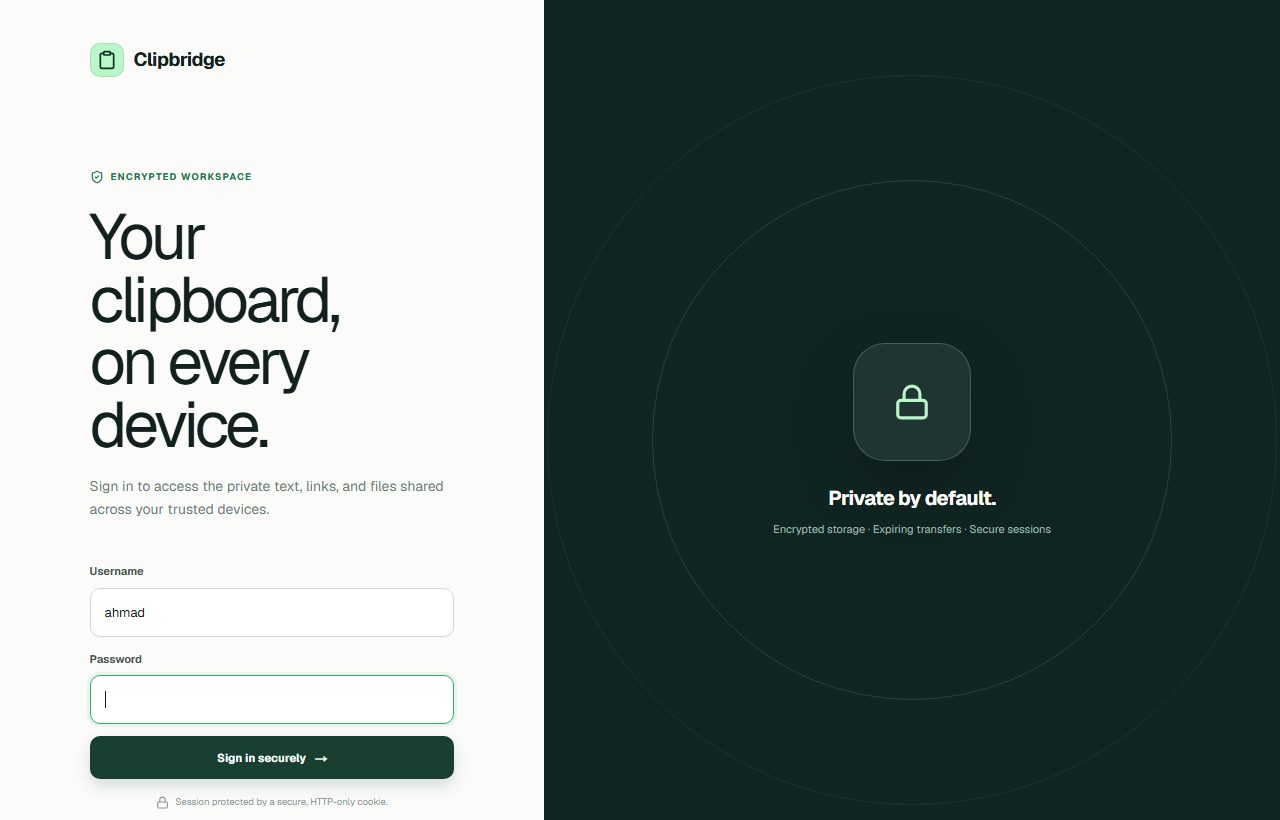
Use your private workspace
ClipBridge is designed for short, authenticated transfers of text, links and files between trusted devices. Use it only where the transfer is authorized.
Open ClipBridge